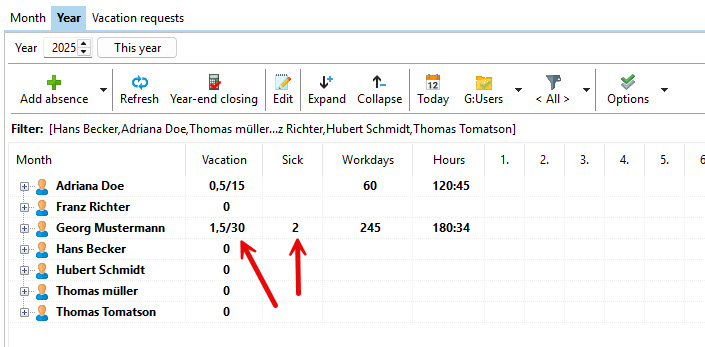
The absence management gives you an overview of all employees and their absences. A new type of absence can be found in the AZ configuration can be created.
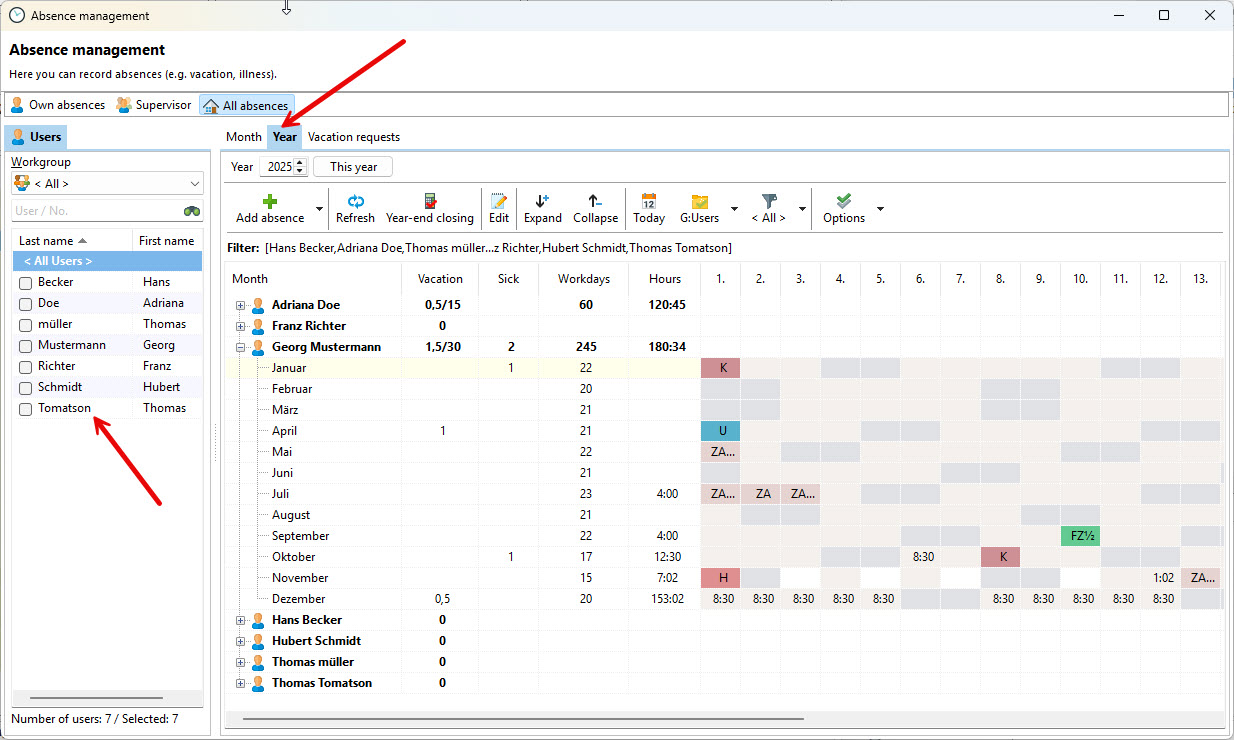
In the absence management you have the area of the employees, in which you can display the absences of individual or all employees.
In the data area you can choose between month and year.
Set absences
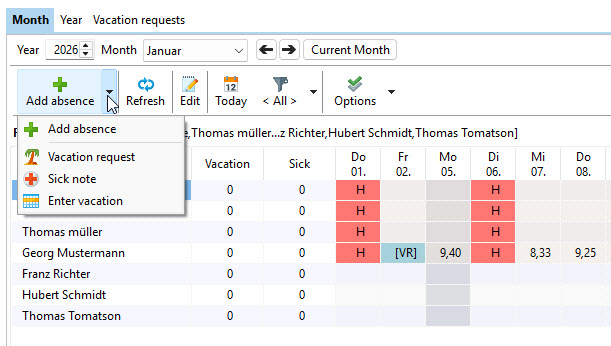
You can also enter a date range for the absence via "New absence". Instead of clicking on each individual day with the mouse, you can easily enter e.g. a two-week sick leave. When entering the data, the working days, as created in the working time model, are taken into account.
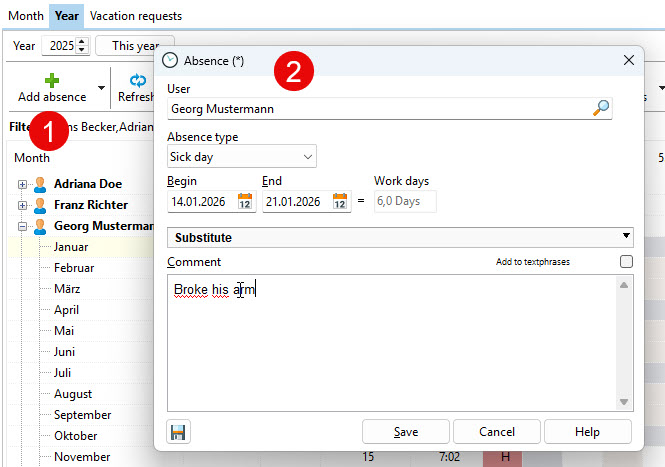
In the dialog box, enter the corresponding date and, if necessary, add a comment:
Edit absences
If you want to make new entries or change existing ones, you can do this with the "Edit" button.
In the next step, select the reason for the absence.
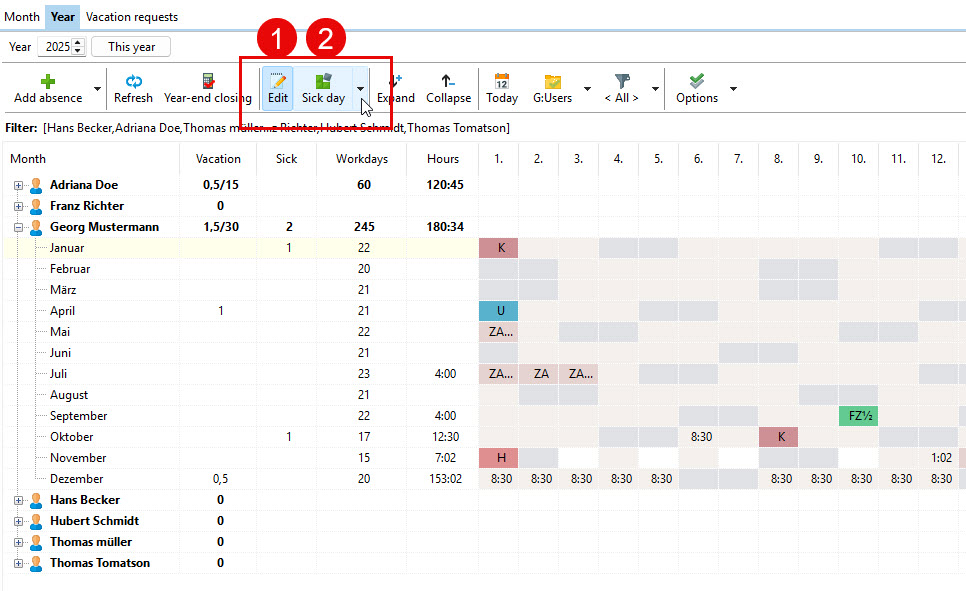
Then simply click with the mouse in the fields of the corresponding employee and set the absence. You can enter a longer period more easily as described in a section above.
NOTE: Exit the editing mode so that you do not accidentally distribute further absences by clicking.
Via the summation column you can immediately see how many days an employee has already been on vacation and how many sick days he has reported.