Employee Management in Time Tracking
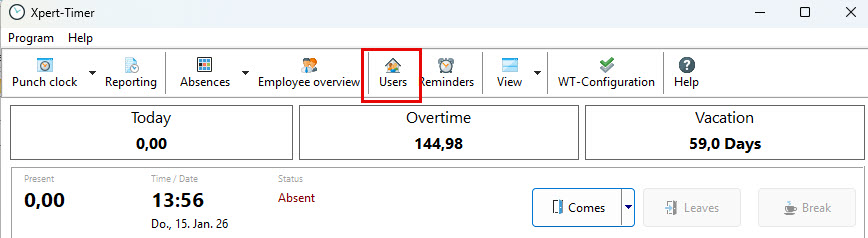
Use the “Employees” menu in Time Tracking to create and manage all employees. This area also contains the permissions and access rights management.
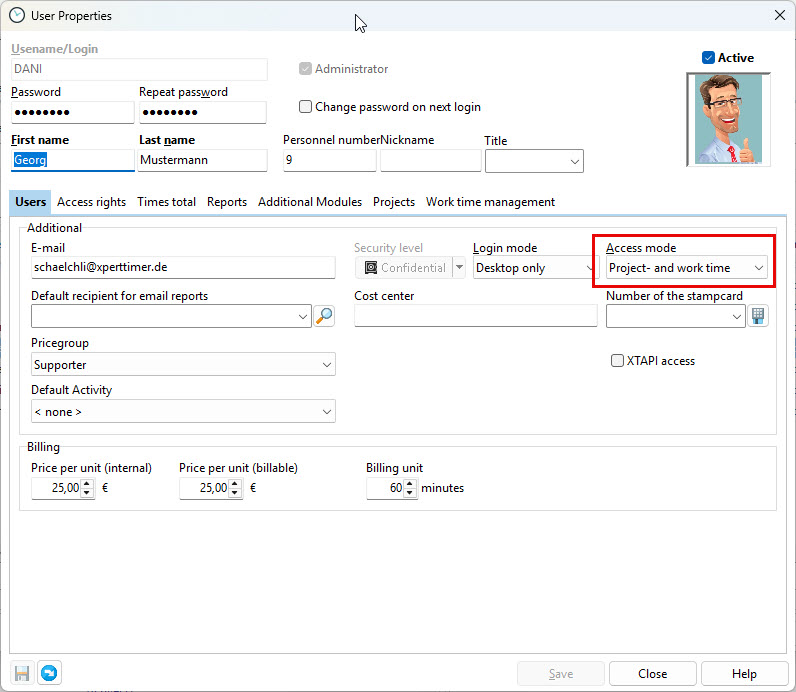
Once an employee has been created, assign a Time Tracking license by setting the appropriate access mode. You can do this in the employee details on the “General” tab. Open the employee details by double-clicking the employee in the employee list.
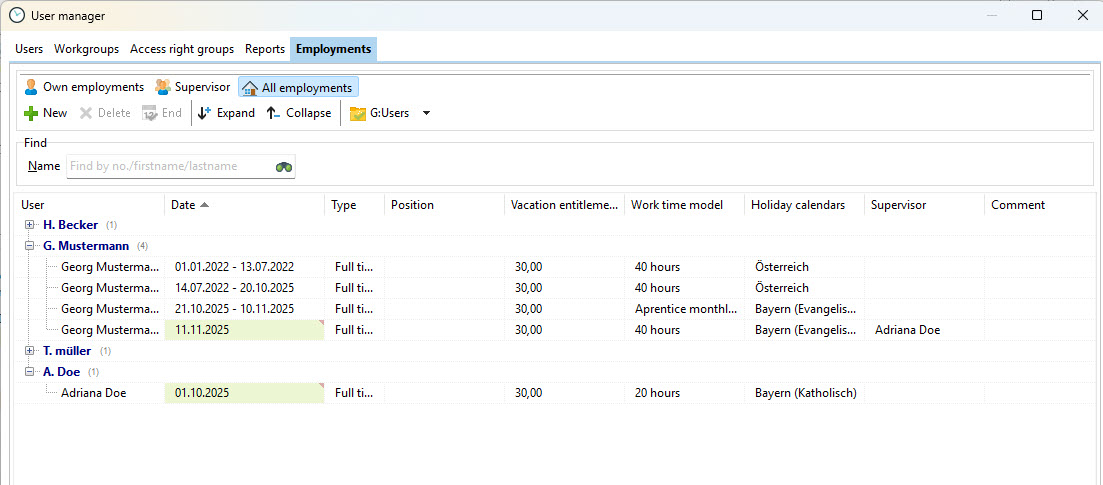
You can then create a new employment record and view an overview of all existing employments. Double-click an entry to edit the employment.